Feature
Receipt Scanning
Snap a receipt, confirm merchant and total, and save a clean expense in seconds.
Why teams rely on receipts
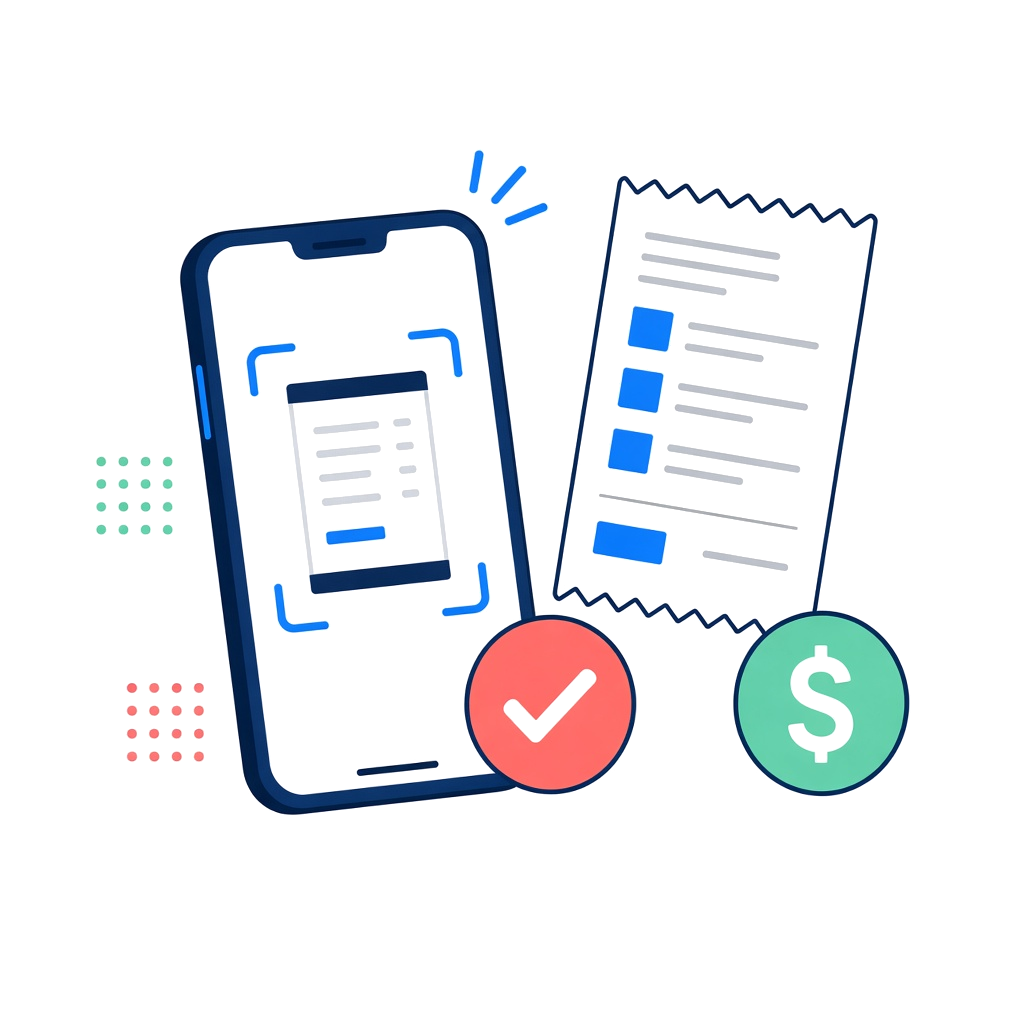
Point the camera, scan the paper, and land on Add Expense with the amount already filled in. Review merchant, category, and business versus personal before you save, so every receipt becomes a tidy record instead of a photo buried in your camera roll.
- Camera, library, and document scanner capture in one flow
- On-device reading of merchant and total before anything is saved
- Editable Add Expense review for amount, tip, tax, and category
- Business or personal tagging with the receipt attached
Add Expense
SaveReceipt scanned
Merchant and total ready to review
$147.19
Merchant
Madras Dosa Co
Search brands or add your own
Details
In detail
How receipts works in practice
Capture without leaving the expense flow
From Add Expense you can scan with the camera, pull an image from your library, or use the document scanner for multi-page slips. The goal is the same: attach evidence to the expense while you still remember what it was for.
Scanned data is a starting point, not a final filing position. Always check merchant, amount, tip, tax, and date before you save—especially on faded thermal paper or busy restaurant checks.
Review before it lands in the ledger
MileLedger surfaces merchant and total for you to confirm. Edit anything that looks wrong, pick a category, and tag business or personal. The receipt image stays attached so you are not hunting through Photos months later.
If OCR misses a field, type it once and move on. A complete expense with a slightly imperfect scan still beats a perfect photo with no structured record.
Why attached receipts matter at export time
Accountants and audits care about the link between a dollar amount and proof of purchase. Keeping the image on the expense means CSV and Premium PDF exports point back to evidence, not a shoebox.
Missing-receipt filters in Expenses and Insights help you catch gaps mid-year—when you can still find the slip—instead of discovering them the week before you file.
Ready to try receipts?
MileLedger is available as a phone app. Start on Free, upgrade in-app when you need unlimited automatic drives, PDFs, or cloud sync.
